01
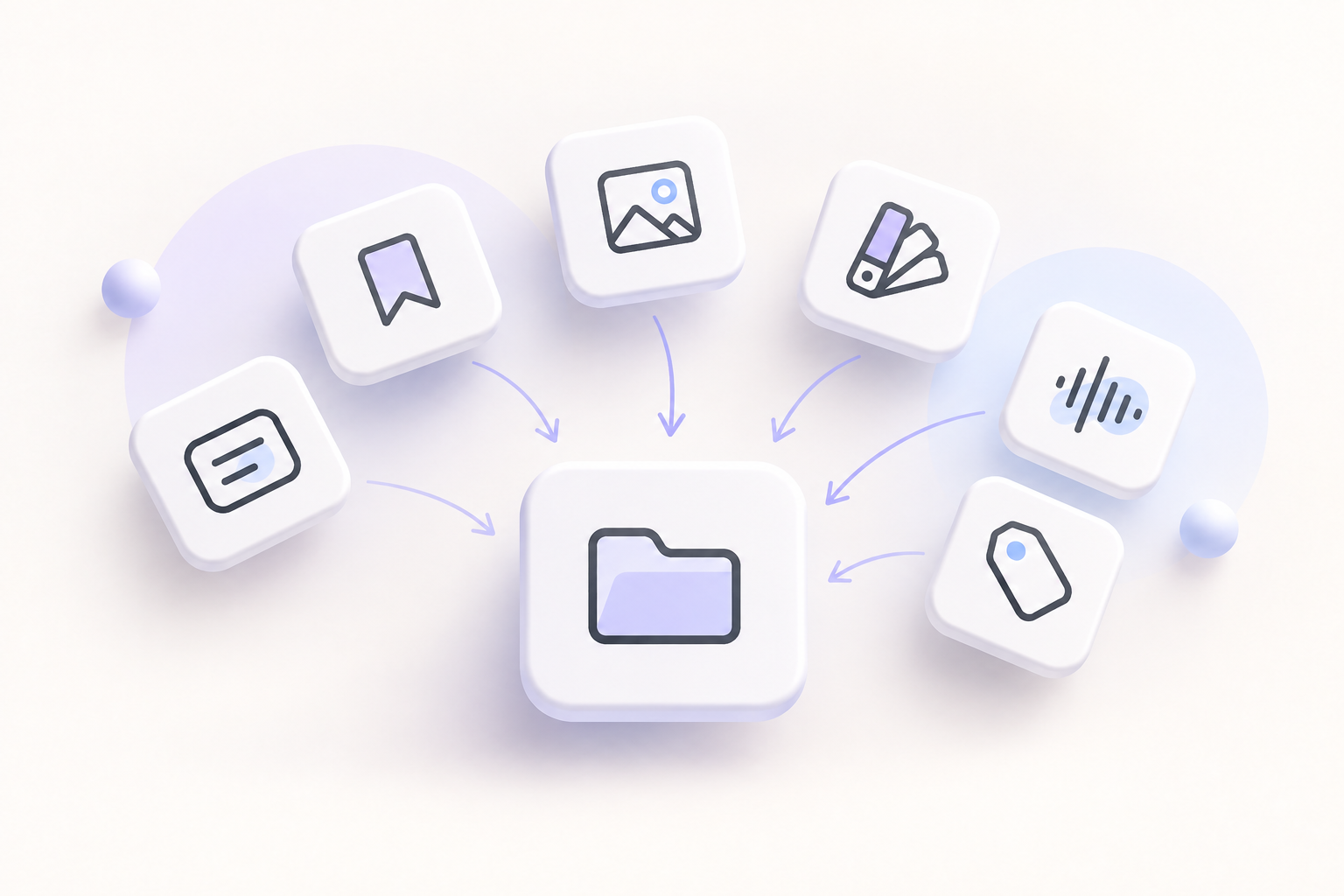
Collect what matters
Keep visual references and project materials close to the work instead of scattered between apps.
 Download
Bring references, ideas, presentations and project materials into one visual workspace. Onny is free and works 100% offline.
Download coming soon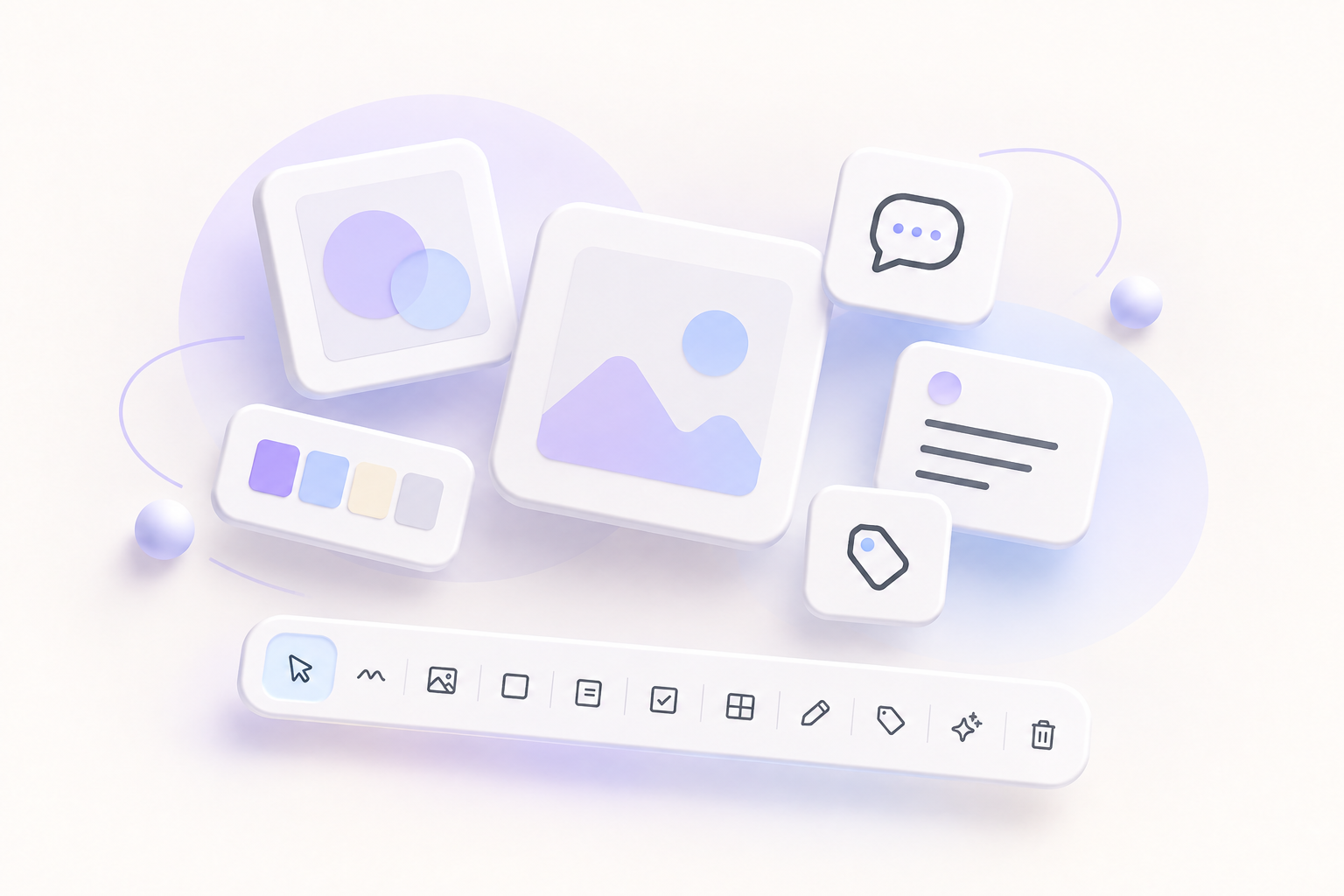
What is Onny
My work was spread across Figma, Milanote and Notion. I built Onny because I wanted one visual space for the whole creative process, without paying for five or six separate tools.
Keep visual references and project materials close to the work instead of scattered between apps.
Arrange references, images and notes into a visual story you can review or present.

More than a moodboard
Move from the first loose reference to drawings, storyboards and structured production without breaking the flow.
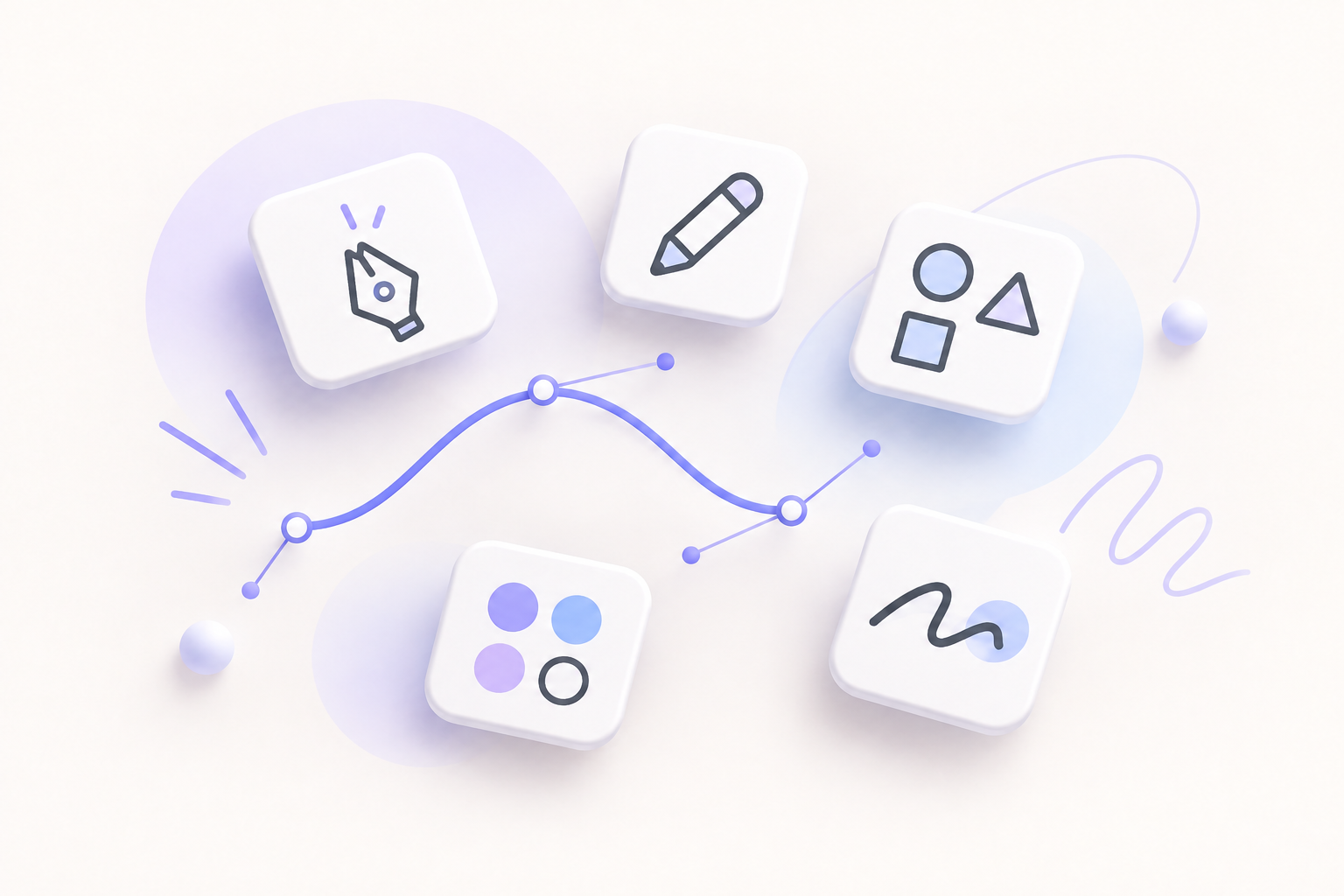
Sketch freely, create precise paths with the vector pen and use geometric shapes to explain, connect and explore ideas without leaving the canvas.

Mix still and moving media in the same visual workspace. Review references, motion, sound and sequences together instead of opening a different app for each format.
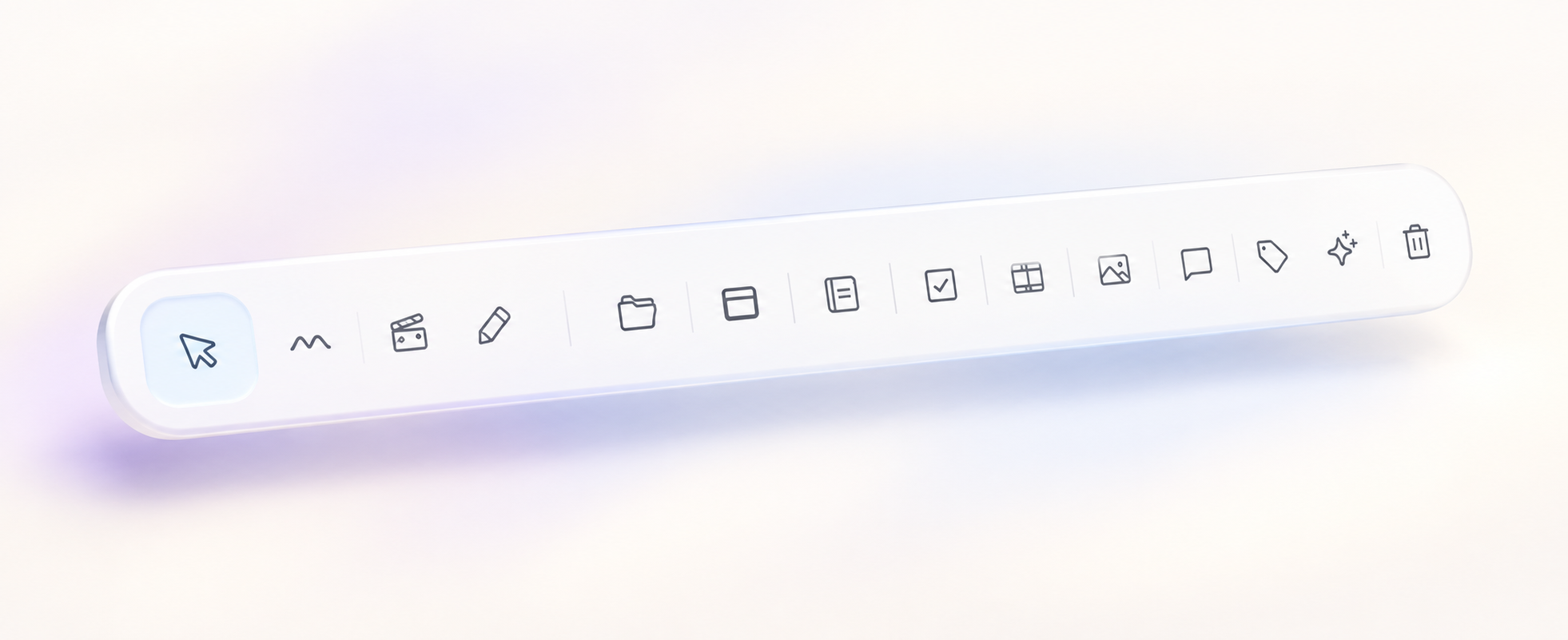
Select and moveArrange anything freely on the canvas.
FramesGroup references into clear sections.
Notes and commentsKeep context and feedback beside the work.
TagsMark status, category or priority at a glance.
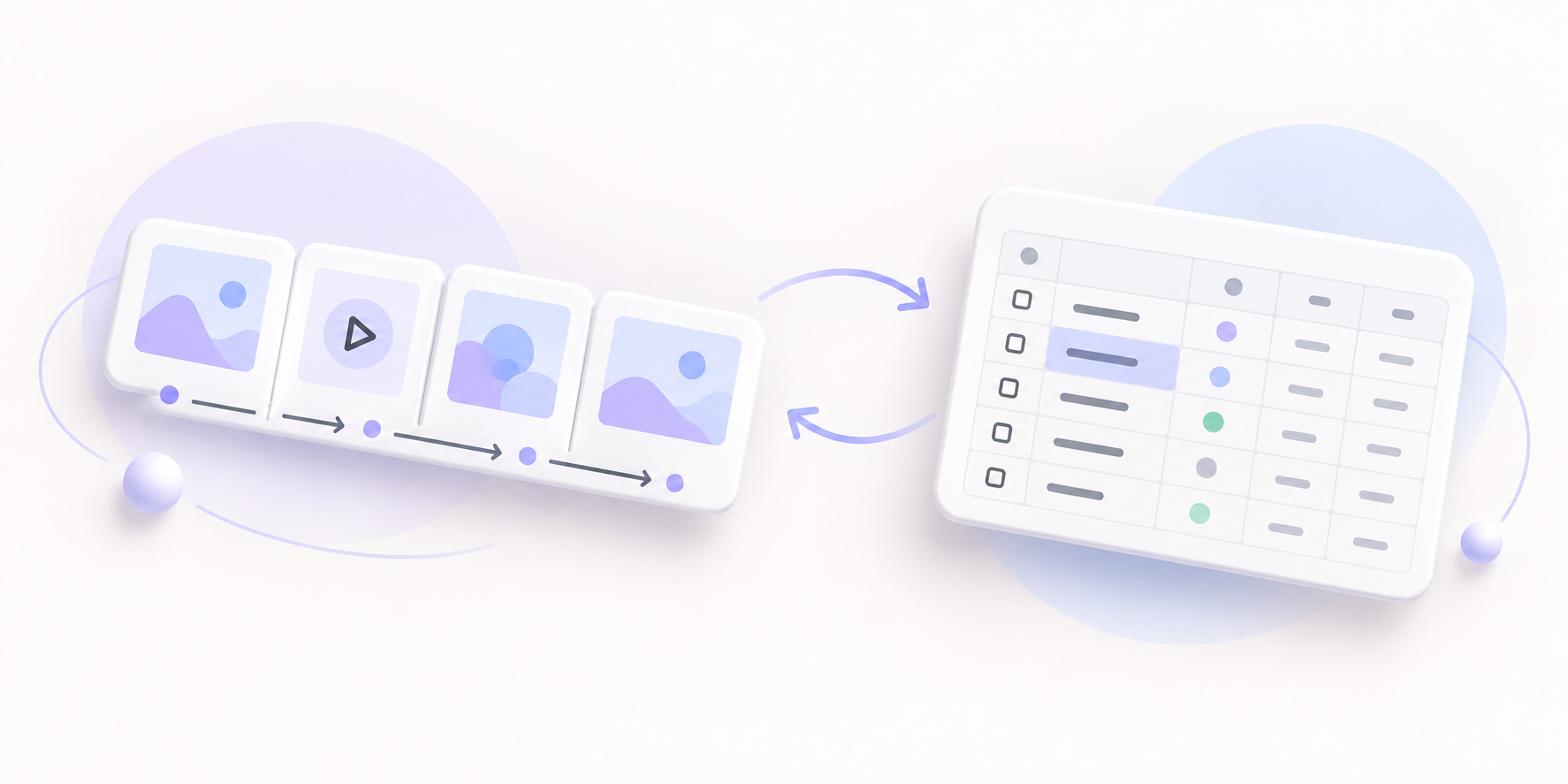
Storyboard modeArrange shots, scenes and beats in sequence to see how a story flows before production begins.
Spreadsheet modeSwitch to rows and fields when the project needs organized details, status and production information.
Made to stay with you
Onny runs on your computer. Your files and projects remain there, and you do not need an internet connection to use the app.
The complete application will be free. Supporting its development through a pay-what-feels-fair contribution will be optional.
The download link will be available soon →